How to Build a HIPAA-Compliant Patient Portal with HubSpot
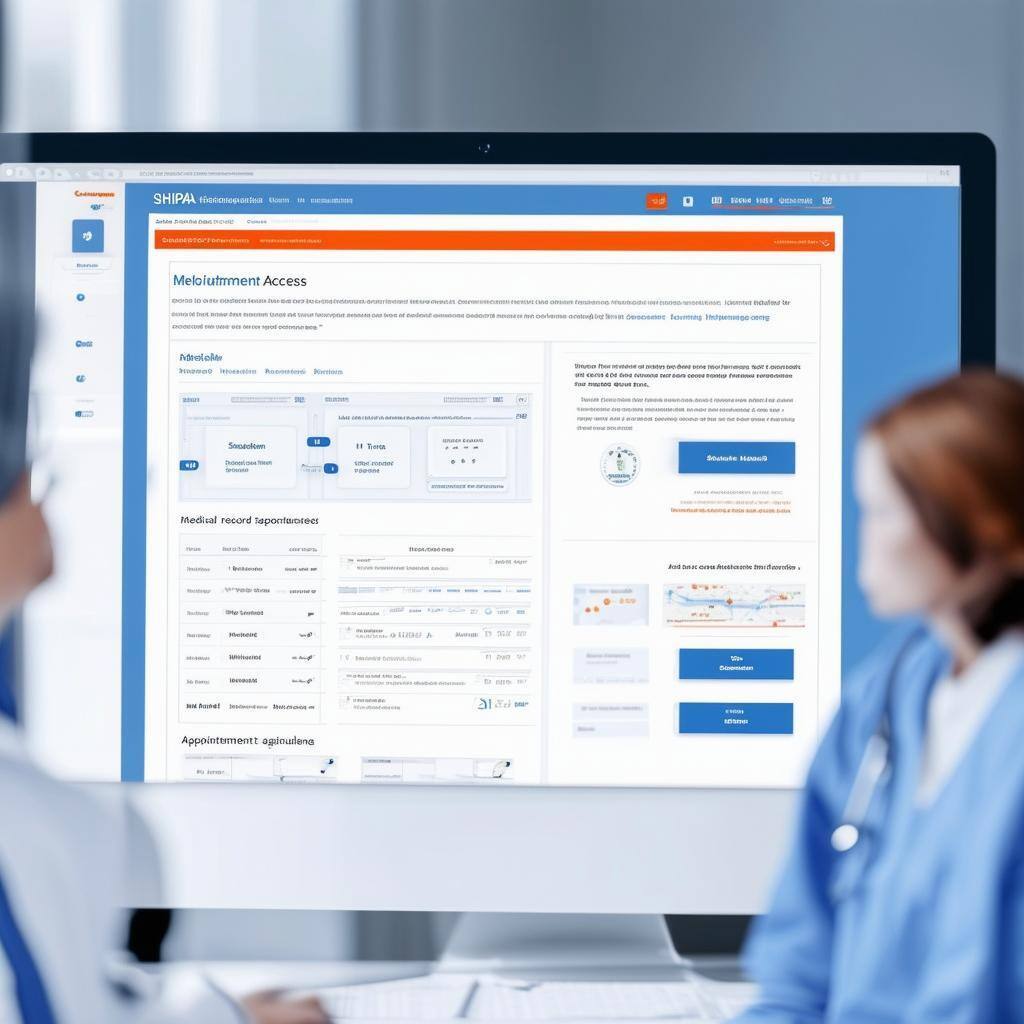
1. Understand HIPAA Compliance for Patient Portals
Before diving into the technical details, it’s important to grasp what HIPAA compliance entails. Key requirements for patient portals include:
- Data Security: All patient data must be encrypted both in transit and at rest.
- Access Control: Only authorized users should access sensitive information.
- Audit Trails: Maintain logs of who accessed the portal and what actions were performed.
By integrating HubSpot with secure hosting and compliance-focused third-party tools, you can ensure these requirements are met.
2. Set Up a Secure HubSpot Environment
HubSpot’s CMS Hub is an excellent starting point for building a custom patient portal. However, to make it HIPAA-compliant, you’ll need to ensure the right configurations and integrations are in place.
1. Leverage HubSpot’s Enterprise Features
- Custom Modules: Build forms, dashboards, and content tailored to your patient portal needs.
- User Permissions: Use role-based access to restrict sensitive information to authorized users.
- Private Content: Restrict access to portal pages using HubSpot’s membership features, ensuring only logged-in users can view sensitive content.
2. Encrypt Communication
Ensure all communication is encrypted using SSL certificates, which are standard on HubSpot’s CMS Hub.
HIPAA In Text Banner
3. Design the Patient Portal
The success of your portal depends on how user-friendly and functional it is for patients.
Key Features to Include
- Appointment Scheduling: Use HubSpot’s integration with tools like Calendly or Acuity Scheduling for seamless booking.
- Patient Records Access: Embed links or widgets from secure EHR systems like Epic or Cerner to give patients access to their health data.
- Messaging with Providers: Use a HIPAA-compliant live chat tool, such as ChatHealth, for secure communication.
- Resource Library: Offer patients educational content, FAQs, and wellness resources tailored to their needs.
Design Tips for Accessibility
- Mobile-Friendly Layouts: Ensure the portal is responsive and easy to navigate on mobile devices.
- Clear Navigation: Use intuitive menus and labels to guide patients through the portal.
- Language Options: Offer multilingual support for diverse patient populations.
4. Test and Optimize Your Portal
Before launching your portal, conduct thorough testing to ensure functionality, security, and compliance.
1. Conduct Compliance Audits
- Hire a HIPAA compliance consultant to review your portal setup.
- Test data encryption and access control measures.
2. Perform User Testing
- Gather feedback from a small group of patients to identify usability issues.
- Make adjustments based on user feedback to enhance the patient experience.
3. Monitor and Maintain
- Use HubSpot’s reporting dashboards to monitor portal engagement and identify areas for improvement.
- Regularly update security measures to comply with evolving regulations.
5. Train Your Team
Ensure your staff is equipped to manage the portal effectively and maintain compliance.
Training Tips
- Provide staff with resources from HubSpot Academy on managing content and workflows.
- Train healthcare providers on responding to patient messages through secure channels.
- Offer ongoing education about HIPAA compliance to minimize risks.
Conclusion: Delivering a Compliant and Patient-Friendly Portal
Building a HIPAA-compliant patient portal with HubSpot requires thoughtful planning, secure integrations, and a patient-first mindset. By combining the flexibility of HubSpot’s CMS Hub with compliance-focused third-party tools, healthcare organizations can create portals that enhance patient trust and engagement while meeting regulatory requirements.
Ready to get started? Contact us to learn how to customize HubSpot for your healthcare organization’s unique needs.
Interested in learning more? Get our ebook here - click to download, no email necessary
Keep reading

Oct 13, 2026
Software in a Service: Taking Responsibility for What Happens Next
An integration fails on a Tuesday morning. Website inquiries stop reaching the CRM. Nobody notices until a customer calls to ask why no one got back to them.

Feb 03, 2026
What HubSpot Admins Should Focus on in Q1
Q1 is when HubSpot Admins lock the decisions that keep Q2 (and the rest of the year!) from turning into damage control. This is the time to decide what the system will do, who owns what, and how you’ll measure success.

Nov 07, 2025
The Simple Guide to HubSpot Agency Onboarding
You already know that HubSpot is the best tool to run your business smoothly and help it grow. You’re ready to get started with implementing best practices, but where to begin?