hubspotrevenue-operationsbridgerev
How to Create a Detailed Customer Journey Map Using HubSpot Data
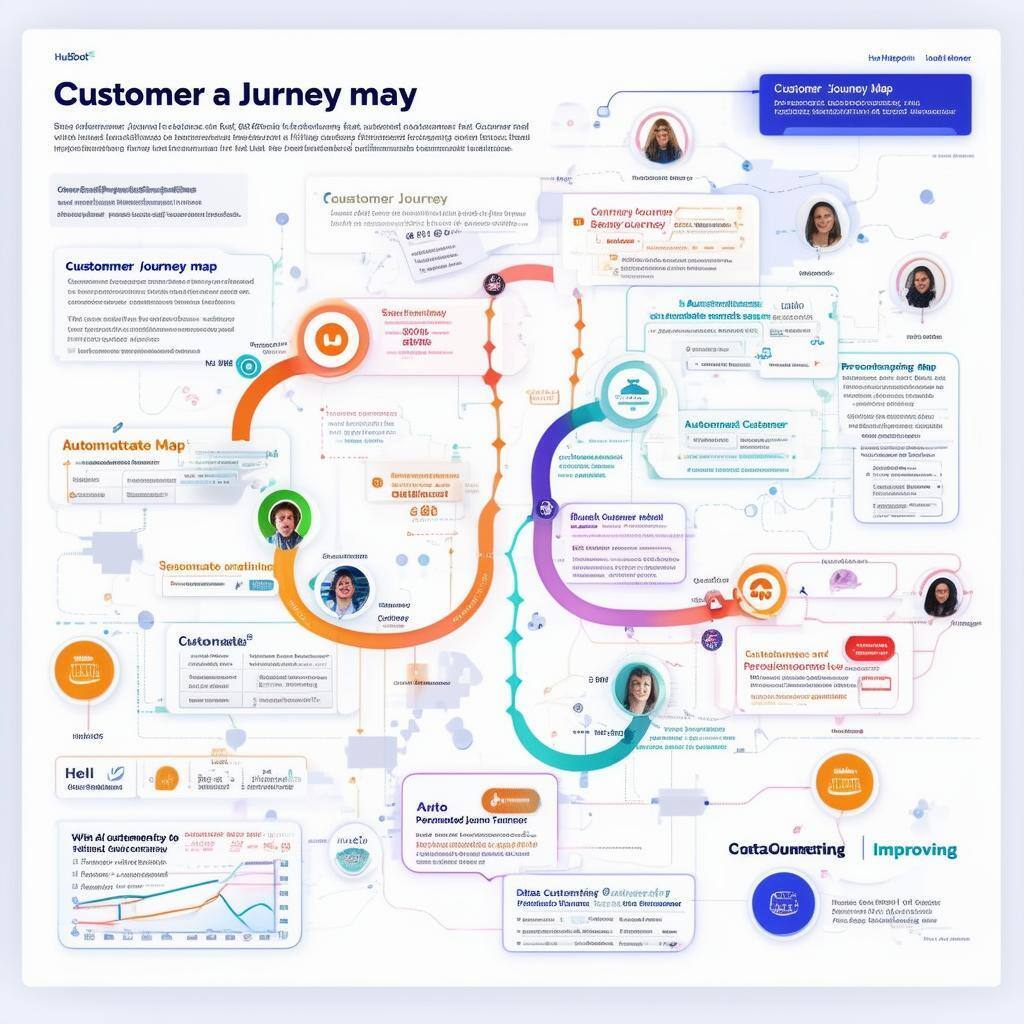
Step 1: Define Customer Journey Stages
To create a detailed map, you first need to outline the key stages of the customer journey, which may include:
- Awareness: When prospects first learn about your product or service.
- Consideration: When they compare options and explore whether your solution fits their needs.
- Decision: When they are ready to make a purchase.
- Retention and Advocacy: Post-purchase stages where customer service and satisfaction become vital.
HubSpot’s CRM allows you to track interactions across each stage, providing the foundation for an accurate and data-driven journey map.
Step 2: Use HubSpot Data to Identify Key Touchpoints
HubSpot’s analytics and CRM data offer insights into every customer interaction, from website visits to email engagement and sales follow-ups. Use this data to:
- Map Out Key Interactions: Identify touchpoints like email opens, content downloads, product demos, and service inquiries. These interactions provide critical insights into customer behaviors.
- Track Lead Sources: Understand where your leads are coming from—whether through organic search, paid ads, or social media—and how they progress through the funnel.
RevOps Assessment Banner
Step 3: Segment Customers for Personalization
Segmentation is key to creating personalized customer journeys. With HubSpot, you can segment your audience based on behaviors, demographics, or lead scores:
- Behavior-Based Segmentation: Tailor customer experiences based on past actions, such as downloads, webinar attendance, or email interactions.
- Lead Scoring: Prioritize high-quality leads by assigning scores based on their actions and engagement with your brand.
Personalized journeys result in higher engagement and better conversion rates.
Step 4: Automate and Optimize Journey Stages
With HubSpot’s workflow automation tools, you can automate the customer journey to ensure timely engagement at every stage. For example:
- Lead Nurturing: Automatically send personalized content based on customer behavior and funnel stage.
- Sales Handoffs: Ensure that qualified leads are automatically passed to the sales team at the right time.
Automation ensures consistency and frees up your teams to focus on strategic activities.
Step 5: Continuously Improve with Data Analytics
After mapping and automating the customer journey, use HubSpot’s reporting tools to track performance and make data-driven improvements:
- Analyze Journey Effectiveness: Track conversion rates, time spent in each funnel stage, and customer feedback to identify areas of friction.
- Adjust Touchpoints: Optimize communications, content, and follow-ups based on real-time data insights.
This ongoing optimization helps you refine the customer experience, improving engagement and driving growth.
Build a Seamless Customer Journey with HubSpot Data
By leveraging HubSpot’s CRM and data-driven insights, businesses can create a detailed customer journey map that enhances every customer interaction. From understanding key touchpoints to automating workflows, HubSpot empowers businesses to provide personalized and optimized experiences that increase conversions and foster loyalty.
Keep reading
Oct 13, 2026
Software in a Service: Taking Responsibility for What Happens Next
An integration fails on a Tuesday morning. Website inquiries stop reaching the CRM. Nobody notices until a customer calls to ask why no one got back to them.

Feb 03, 2026
What HubSpot Admins Should Focus on in Q1
Q1 is when HubSpot Admins lock the decisions that keep Q2 (and the rest of the year!) from turning into damage control. This is the time to decide what the system will do, who owns what, and how you’ll measure success.

Nov 07, 2025
The Simple Guide to HubSpot Agency Onboarding
You already know that HubSpot is the best tool to run your business smoothly and help it grow. You’re ready to get started with implementing best practices, but where to begin?