hubspotrevenue-operationsbridgerev
How to Leverage HubSpot’s Analytics to Measure and Optimize RevOps Performance
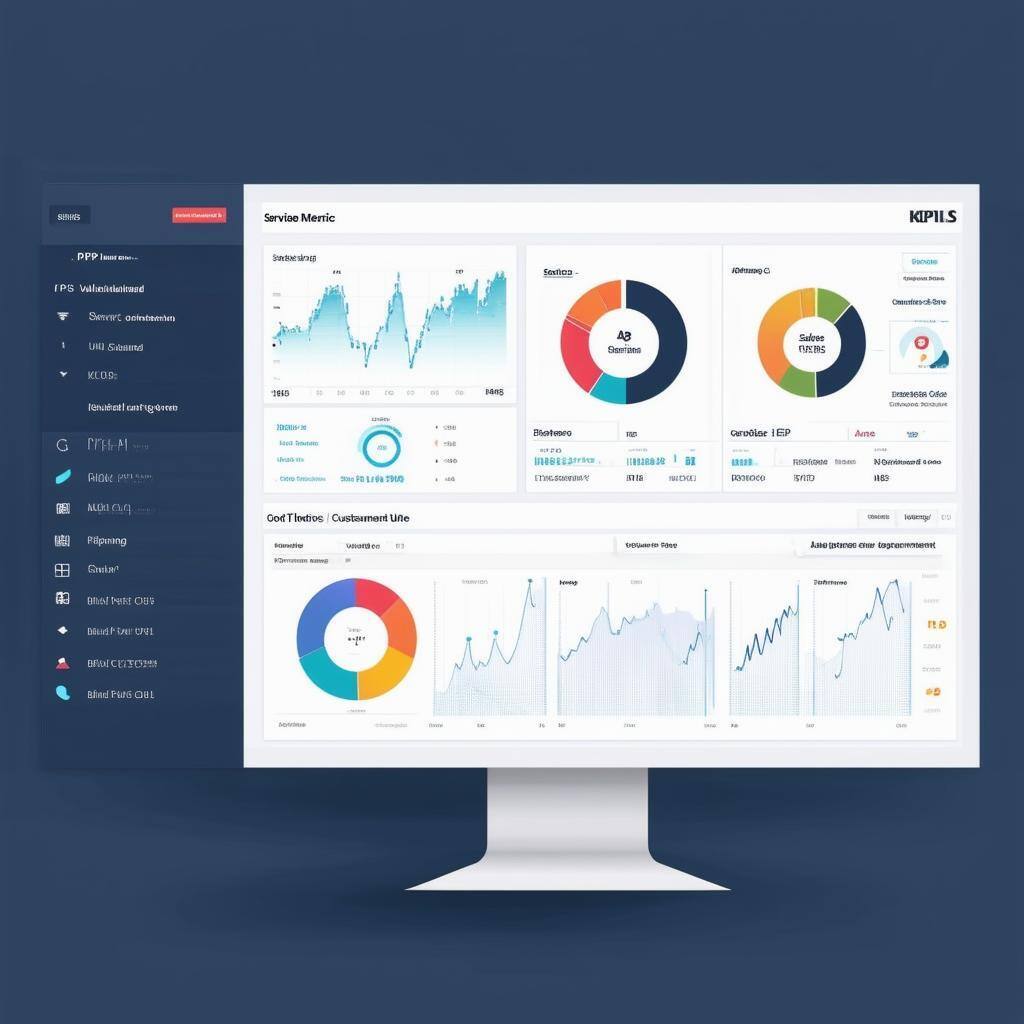
Set Clear KPIs to Guide Performance Measurement
Before diving into HubSpot’s analytics, it’s crucial to set clear Key Performance Indicators (KPIs) to measure your success. KPIs should align with your business goals and RevOps objectives.
- Marketing KPIs: These might include metrics such as lead conversion rates, website traffic, and campaign engagement rates.
- Sales KPIs: Track pipeline velocity, deal close rates, and average deal size to assess sales efficiency.
- Service KPIs: Monitor customer retention rates, ticket resolution time, and Net Promoter Score (NPS) to gauge customer satisfaction.
By defining specific KPIs for each department, HubSpot’s analytics can provide real-time insights into performance.
Use HubSpot Dashboards for Real-Time Monitoring
HubSpot’s customizable dashboards allow you to track KPIs in real time, making it easy to monitor performance across departments. Each team can build dashboards tailored to their goals, helping them stay focused on their most important metrics.
- Sales Dashboards: Track deal progression, conversion rates, and revenue forecasts. Visualize which deals are stuck in the pipeline and need attention.
- Marketing Dashboards: View campaign performance metrics, including click-through rates (CTR), conversion rates, and lead engagement.
- Service Dashboards: Measure support ticket volume, customer satisfaction scores, and response times.
Real-time visibility into these metrics allows teams to take immediate action to improve performance.
RevOps Assessment Banner
Analyze Sales Performance Using Deal Analytics
HubSpot’s deal analytics offer detailed insights into your sales pipeline, helping you evaluate the efficiency of your sales process.
- Pipeline Velocity: Measure how quickly deals move through each stage of the pipeline. If deals stall at a specific stage, it may indicate a need for more efficient follow-ups or additional sales resources.
- Win/Loss Analysis: Use HubSpot to track the percentage of closed-won versus closed-lost deals, identifying common patterns among successful or failed deals.
- Deal Forecasting: Predict future revenue by analyzing pipeline health, deal values, and closing rates.
By tracking these metrics, you can optimize your sales strategies to close more deals faster.
Optimize Marketing Campaigns with HubSpot’s Attribution Reports
HubSpot’s marketing attribution reports provide insights into which campaigns and touchpoints are driving the most conversions.
- Campaign Performance: Track the performance of email campaigns, ads, and content marketing to see which channels generate the most leads.
- Attribution Models: Use HubSpot’s multi-touch attribution models to understand which touchpoints in the customer journey are contributing to conversions. This helps you allocate resources to the most effective channels.
- A/B Testing: Use A/B testing in HubSpot to experiment with subject lines, content, and CTAs, and use analytics to optimize for higher engagement and conversion.
Attribution reports give you a clear picture of how well your marketing efforts are performing and where to improve.
Improve Customer Satisfaction with Service Analytics
HubSpot’s service analytics allow you to track key metrics related to customer support and satisfaction.
- Customer Feedback: Collect and analyze customer feedback using surveys and NPS scores. Track trends over time to see if customer satisfaction is improving or declining.
- Ticket Volume and Resolution Time: Monitor how many support tickets are being handled and how quickly they are resolved. A backlog or slow response time can signal inefficiencies that need attention.
- Churn Rate: Analyze your churn rate to identify patterns among customers who leave, and use this data to improve retention efforts.
Service analytics enable you to enhance the customer experience by identifying areas where support can be improved.
Use Automation to Drive Continuous Improvement
HubSpot’s analytics, combined with automation tools, help you streamline operations and continuously optimize performance.
- Automated Reporting: Set up automatic reports that provide regular updates on key metrics, helping your teams stay informed without manual intervention.
- Workflows: Use HubSpot’s workflows to automate lead nurturing, follow-ups, and customer support processes. Monitor the effectiveness of these workflows using HubSpot’s analytics to ensure they’re delivering results.
Automation ensures consistency and efficiency while allowing teams to focus on higher-value activities.
Regularly Review and Adjust Based on Insights
The final step in optimizing RevOps performance is to regularly review your analytics and make data-driven adjustments.
- Monthly or Quarterly Reviews: Schedule regular performance reviews to assess KPI trends. If certain metrics are underperforming, use these sessions to brainstorm new strategies or adjustments.
- Test and Iterate: Continuously test new strategies, workflows, and campaigns, and monitor their performance in HubSpot’s analytics. Refine and improve based on what works.
- Cross-Team Collaboration: Ensure that insights from sales, marketing, and service teams are shared regularly so all departments can contribute to overall performance improvements.
Regularly revisiting your analytics allows you to stay agile and responsive to changing conditions.
Master RevOps Performance with HubSpot’s Analytics
By leveraging HubSpot’s analytics, businesses can gain a clear understanding of how their RevOps strategy is performing and where optimizations are needed. From real-time dashboards to detailed reporting on sales, marketing, and service, HubSpot provides the tools necessary to measure KPIs, track progress, and drive continuous improvement.
Keep reading

Oct 13, 2026
Software in a Service: Taking Responsibility for What Happens Next
An integration fails on a Tuesday morning. Website inquiries stop reaching the CRM. Nobody notices until a customer calls to ask why no one got back to them.

Feb 03, 2026
What HubSpot Admins Should Focus on in Q1
Q1 is when HubSpot Admins lock the decisions that keep Q2 (and the rest of the year!) from turning into damage control. This is the time to decide what the system will do, who owns what, and how you’ll measure success.

Nov 07, 2025
The Simple Guide to HubSpot Agency Onboarding
You already know that HubSpot is the best tool to run your business smoothly and help it grow. You’re ready to get started with implementing best practices, but where to begin?