How HubSpot’s CRM Automates Your Business: A Guide to Workflows, Lead Scoring, and Automation
1. Streamlining Operations with HubSpot Workflows
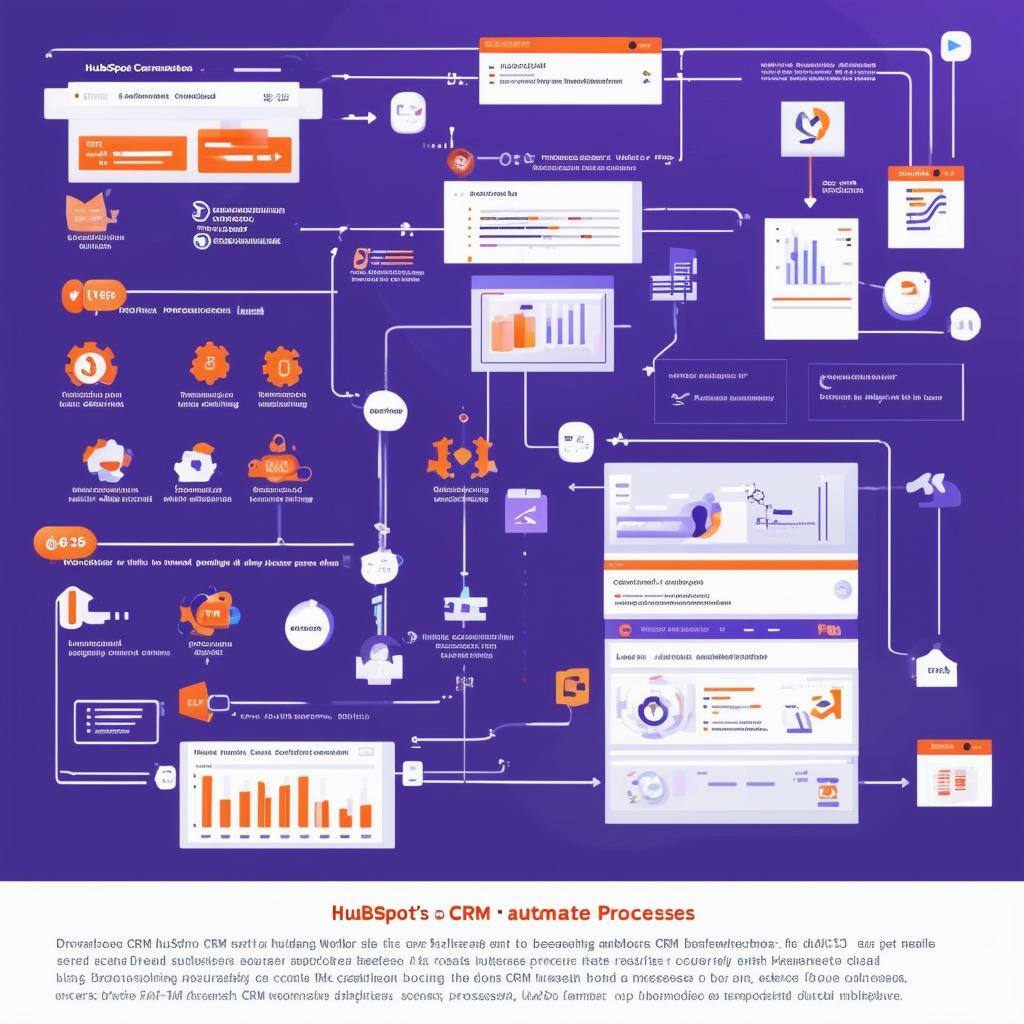
HubSpot workflows are the cornerstone of automation in HubSpot’s CRM. They allow businesses to automate repetitive tasks and processes, helping teams focus on high-priority activities. From sending personalized emails to updating customer records, workflows enable seamless, hands-off management of key business tasks.
Key Features:
- Automated Email Sequences: With HubSpot, you can automate follow-up emails, nurturing campaigns, and triggered messages based on customer behavior. For example, when a contact downloads an eBook or attends a webinar, a workflow can automatically send a series of personalized follow-up emails to keep them engaged.
- Task Automation: Workflows can automatically assign tasks to team members, ensuring that no lead or customer inquiry goes unattended. For example, when a lead requests a demo, HubSpot can create a task for a sales rep to follow up, complete with deadlines and reminders.
- Data Management Automation: HubSpot workflows also automate data management by updating contact records, adding tags, or triggering other workflows based on specific actions. This ensures that all customer information is accurate and up to date without manual intervention.
2. HubSpot Lead Scoring: Prioritizing High-Value Leads
Lead scoring is a powerful automation feature within HubSpot that helps businesses prioritize leads based on their engagement and likelihood to convert. By assigning scores to leads based on their interactions with your business, sales teams can focus their efforts on high-quality leads who are more likely to become customers.
Key Features:
- Customizable Lead Scoring: HubSpot’s lead scoring allows businesses to assign scores based on a variety of criteria, including website visits, email opens, form submissions, and content downloads. You can also adjust the score based on negative behaviors, such as unsubscribing from emails or low engagement.
- Dynamic Scoring Models: HubSpot lead scoring models are dynamic, meaning that lead scores adjust automatically as contacts engage with your business. This ensures that your sales team always has a real-time view of which leads are most likely to convert.
- Automatic Lead Assignment: When a lead reaches a certain score, HubSpot can automatically assign it to a sales rep for immediate follow-up. This eliminates the need for sales teams to manually sift through leads and ensures that high-priority leads get attention as soon as they’re ready to engage.
3. Automating Marketing Campaigns with HubSpot
Marketing automation is one of the key strengths of HubSpot’s CRM. HubSpot’s Marketing Hub allows businesses to automate multi-channel campaigns, from email marketing to social media posts, creating a seamless experience for prospects and customers.
Key Features:
- Automated Email Marketing: HubSpot’s email automation allows businesses to create personalized, automated email sequences that are triggered by specific actions, such as a form submission, webinar attendance, or product purchase. This ensures that the right message reaches the right person at the right time, without manual intervention.
- Social Media Automation: HubSpot also enables businesses to schedule and automate social media posts across platforms like Facebook, LinkedIn, and Twitter. Marketing teams can plan posts in advance, ensuring consistent messaging and engagement without daily manual effort.
- Segmentation and Personalization: HubSpot’s automation tools allow marketers to segment their audiences based on behavior, demographics, or stage in the buyer’s journey. With dynamic content, businesses can send highly personalized messages that resonate with specific segments of their audience.
4. Sales Automation: Boosting Productivity and Efficiency
HubSpot’s Sales Hub provides a range of automation features that help sales teams reduce manual work and focus on closing deals. From automating follow-ups to managing deal stages, sales automation enables businesses to streamline their processes and improve sales efficiency.
Key Features:
- Automated Follow-Ups: HubSpot’s sales automation tools allow reps to automatically send follow-up emails after calls, meetings, or demos. This ensures that prospects are consistently engaged, even when sales teams are managing large volumes of leads.
- Deal Stage Automation: Sales teams can automate changes in deal stages based on specific triggers, such as a proposal being sent or a contract being signed. This keeps the sales pipeline up to date without requiring manual updates.
- Meeting Scheduling Automation: HubSpot’s CRM integrates a meeting scheduling tool that allows prospects to book meetings directly from a sales rep’s calendar. This eliminates the back-and-forth of scheduling and ensures that sales reps can maximize their time with high-priority leads.
5. Service Automation: Improving Customer Support
HubSpot’s Service Hub automates key customer service processes, allowing businesses to provide faster, more efficient support. From managing customer inquiries to creating automated feedback loops, HubSpot’s automation tools ensure that customer support teams can focus on delivering high-quality service at scale.
Key Features:
- Automated Ticketing System: HubSpot’s ticketing system allows businesses to automate the creation, assignment, and resolution of customer support tickets. When a customer submits a request, HubSpot can automatically route the ticket to the right team member based on the type of issue.
- Feedback Automation: HubSpot enables businesses to automate customer satisfaction (CSAT) surveys and follow-up emails after service interactions. This ensures that businesses consistently gather feedback and take action to improve customer experiences.
- Knowledge Base Integration: HubSpot’s knowledge base feature allows businesses to create self-service resources for customers. Automated workflows can direct customers to relevant articles or FAQs based on their inquiries, reducing the volume of support requests and improving response times.
Conclusion: How HubSpot Automation Transforms Business Operations
HubSpot’s CRM offers a comprehensive set of automation tools that simplify marketing, sales, and service processes, helping businesses reduce manual work and focus on growth. From workflows and lead scoring to automated email campaigns and sales follow-ups, HubSpot enables businesses to deliver personalized, timely interactions at scale.
By automating key tasks, HubSpot not only improves operational efficiency but also enhances the customer experience, ensuring that businesses can engage with their audience more effectively. Whether you’re a small business looking to streamline operations or a large enterprise aiming to improve sales productivity, HubSpot’s automation features provide the tools needed to drive success.
Keep reading

Oct 13, 2026
Software in a Service: Taking Responsibility for What Happens Next
An integration fails on a Tuesday morning. Website inquiries stop reaching the CRM. Nobody notices until a customer calls to ask why no one got back to them.

Feb 03, 2026
What HubSpot Admins Should Focus on in Q1
Q1 is when HubSpot Admins lock the decisions that keep Q2 (and the rest of the year!) from turning into damage control. This is the time to decide what the system will do, who owns what, and how you’ll measure success.

Nov 07, 2025
The Simple Guide to HubSpot Agency Onboarding
You already know that HubSpot is the best tool to run your business smoothly and help it grow. You’re ready to get started with implementing best practices, but where to begin?