Top 10 HubSpot Platform Updates from April and How to Use Them
1. Import Offline Event Data to HubSpot Marketing Events
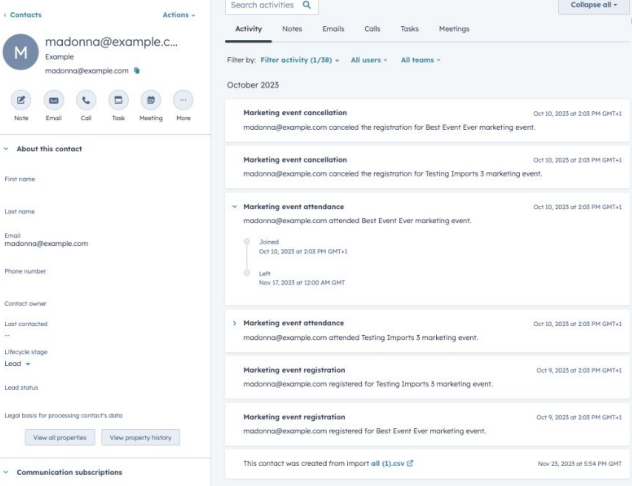
What's New: This update allows marketers to upload data from offline events directly into HubSpot, ensuring all event interactions are captured in one platform..
Use Case: A company hosts a trade show where they collect leads. By importing this data into HubSpot, the marketing team can track which attendees converted into leads and nurture them through targeted follow-up campaigns.
2. Add ‘External Website Pages’ to Your Campaigns
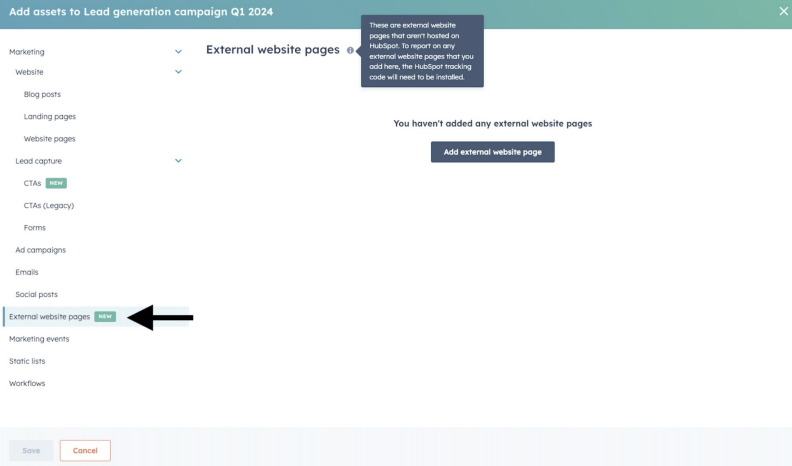
What's New: Users can now include pages from external websites in their HubSpot campaigns, allowing for a holistic view of all campaign assets, regardless of where they reside.
Use Case: When running a multi-platform campaign, a marketer can add external landing pages to the campaign dashboard to track performance metrics alongside HubSpot-hosted pages, ensuring comprehensive analytics and reporting.
3. New Suggested Activity: Re-Engaged Contacts
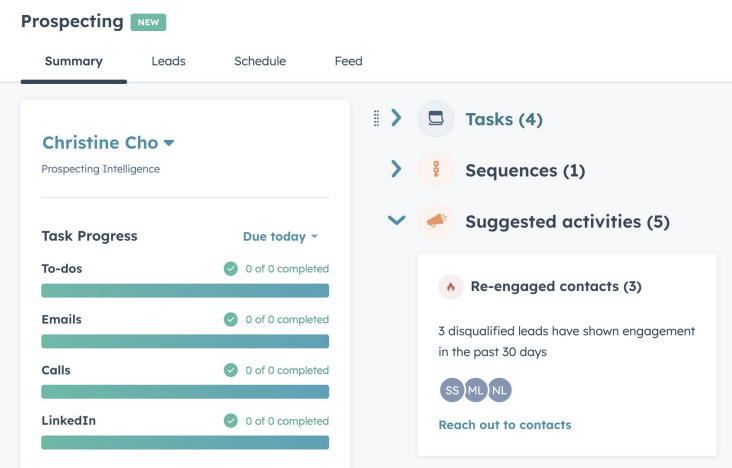
What's New: HubSpot now suggests activities based on contacts that have recently re-engaged, helping teams prioritize follow-ups.
Use Case: A sales rep receives a notification about a previously cold lead opening a marketing email. The rep can then prioritize this contact for a follow-up call to capitalize on the renewed interest.
4. User Working Hours for Inbox and Help Desk
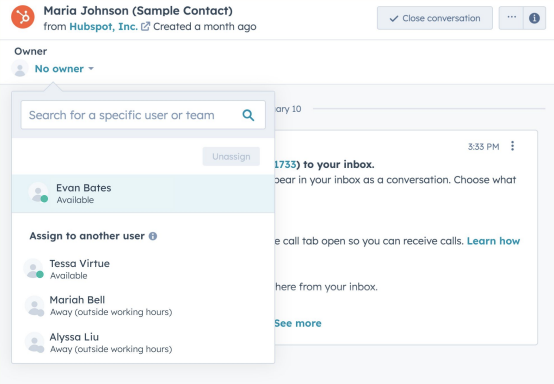
What's New: This feature allows teams to set working hours per user, which helps in managing expectations and response times for customer inquiries.
Use Case: A customer support team across different time zones can specify their availability, ensuring queries are routed to available agents, thus improving response times and customer satisfaction.
5. Proactive Alerts for New Duplicate Records
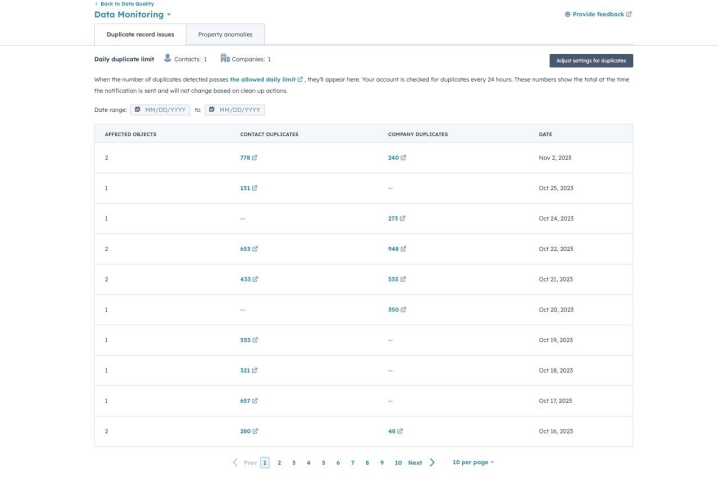
What's New: HubSpot now provides proactive alerts when new duplicate records are created, enabling cleaner data management.
Use Case: Upon entering a new contact that duplicates existing information, the system alerts the user, who can then merge records or correct discrepancies, maintaining a clean database.
6. Setting to Automatically Turn Off a Workflow
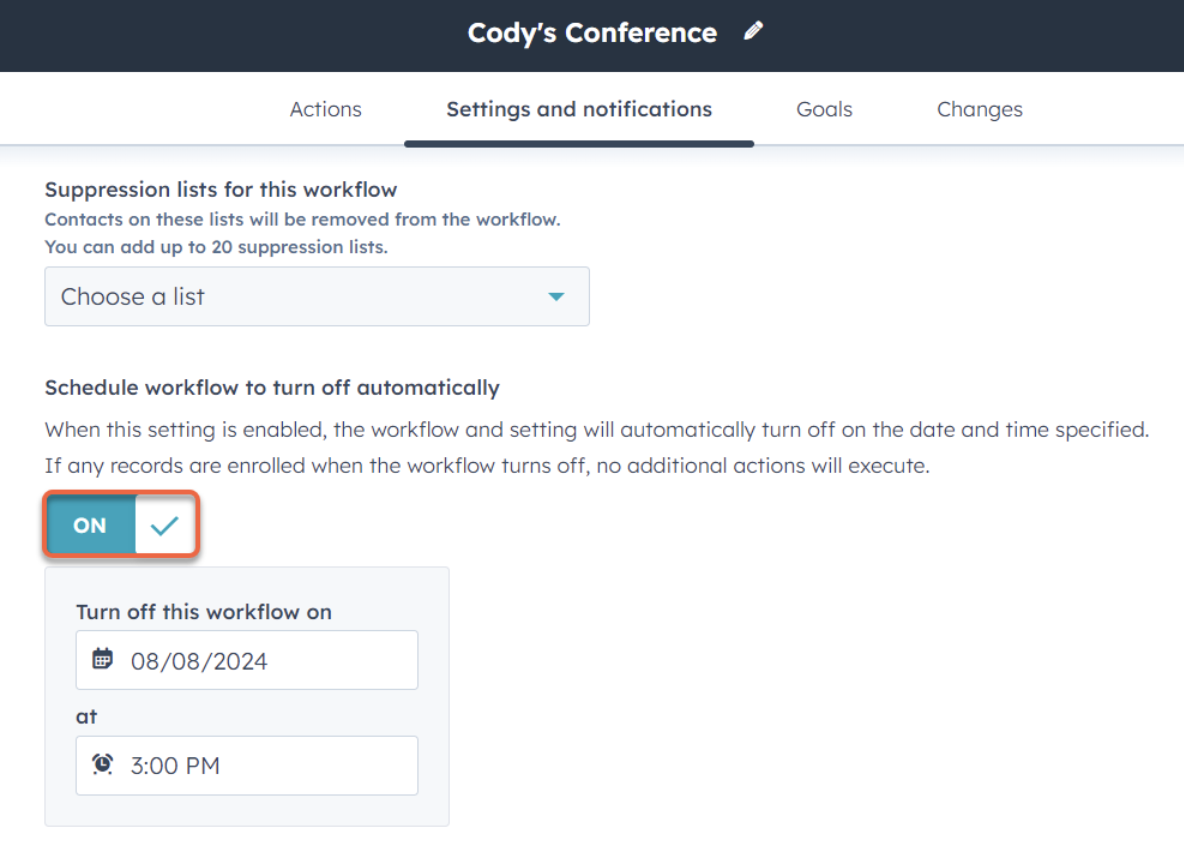
What's New: Workflows can now be set to automatically turn off after meeting certain criteria, helping to manage campaigns and internal processes without manual oversight.
Use Case: After a limited-time offer ends, the corresponding workflow can automatically deactivate, preventing any outdated communications from being sent.
7. Payment Schedules On Quotes
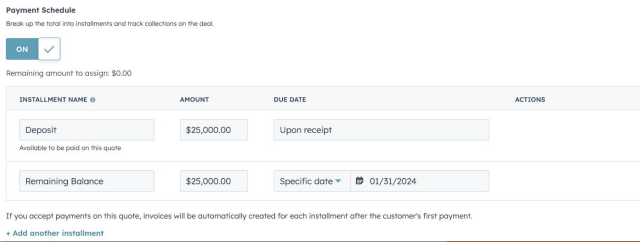
What's New: Users can now create and send quotes with clearly defined payment schedules, streamlining the sales process and improving transparency with customers.
Use Case: A salesperson can outline a payment plan directly on a quote, allowing potential customers to understand their payment obligations upfront, which can expedite decision-making.
8. Pre-Enrollment Invoices
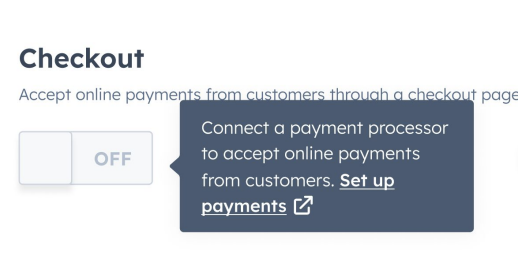
What's New: This feature allows for the generation of invoices before a customer formally enrolls in a service, facilitating a smoother onboarding process.
Use Case: An education platform can send invoices for course fees prior to enrollment, ensuring fees are collected before the course begins, streamlining revenue collection.
9. Import Preview Validation Now Checks the First 1000 Rows of Your Import
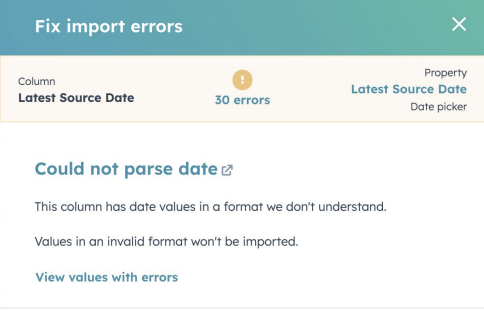
What's New: Enhancements to the import preview feature now allow for a more thorough check of data before it is fully imported into HubSpot, reducing errors.
Use Case: Before importing a large dataset, a user can identify and correct errors in the first 1000 rows, ensuring the data's accuracy and integrity before it affects the entire system.
10. User Level Configuration of Properties on Both Standard & Custom Objects
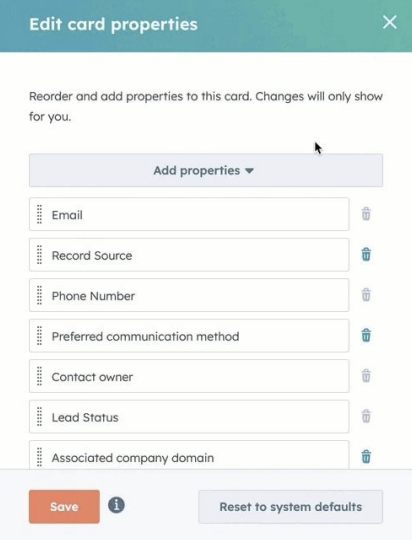
What's New: This update provides individual users the ability to configure properties on standard and custom objects, enhancing personalization and efficiency.
Use Case: A sales manager can customize property fields on a deal record to match their workflow, helping them track the most relevant information quickly and efficiently.
Each of these updates enhances HubSpot’s robust capabilities, making it an even more essential tool for businesses aiming to streamline operations and enhance their marketing, sales, and service efforts. By utilizing these features, teams can improve efficiency, data accuracy, and overall customer experience.
Keep reading

Oct 13, 2026
Software in a Service: Taking Responsibility for What Happens Next
An integration fails on a Tuesday morning. Website inquiries stop reaching the CRM. Nobody notices until a customer calls to ask why no one got back to them.

Feb 03, 2026
What HubSpot Admins Should Focus on in Q1
Q1 is when HubSpot Admins lock the decisions that keep Q2 (and the rest of the year!) from turning into damage control. This is the time to decide what the system will do, who owns what, and how you’ll measure success.

Nov 07, 2025
The Simple Guide to HubSpot Agency Onboarding
You already know that HubSpot is the best tool to run your business smoothly and help it grow. You’re ready to get started with implementing best practices, but where to begin?