What's New In HubSpot - January
This January, HubSpot's latest updates offer even more power and flexibility to businesses striving to optimize their operations across various domains. From the Marketing Hub's refined analytics to the Sales Hub's improved automation, these advancements are designed to streamline processes and boost efficiency. In this blog post, we'll delve into the newest features and updates introduced in HubSpot this January, showcasing how they can transform your business's approach to Sales Ops, Marketing Ops, Service Ops, and more.
Stay tuned as we uncover the latest innovations that HubSpot has in store for your business growth and success in the digital age.
Custom Properties for Workflows
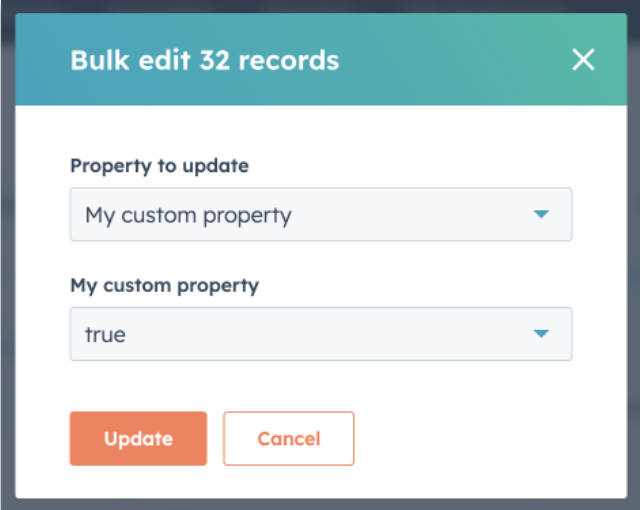
**Overview:**This feature allows the creation of unique properties for workflows, offering tailored automation based on specific business needs.
Practical Application: Use custom properties to track unique customer interactions, like webinar attendance, and trigger specific email campaigns based on this data.
Learn more about Custom Properties for Workflows
Sequence Enrollment via Workflows
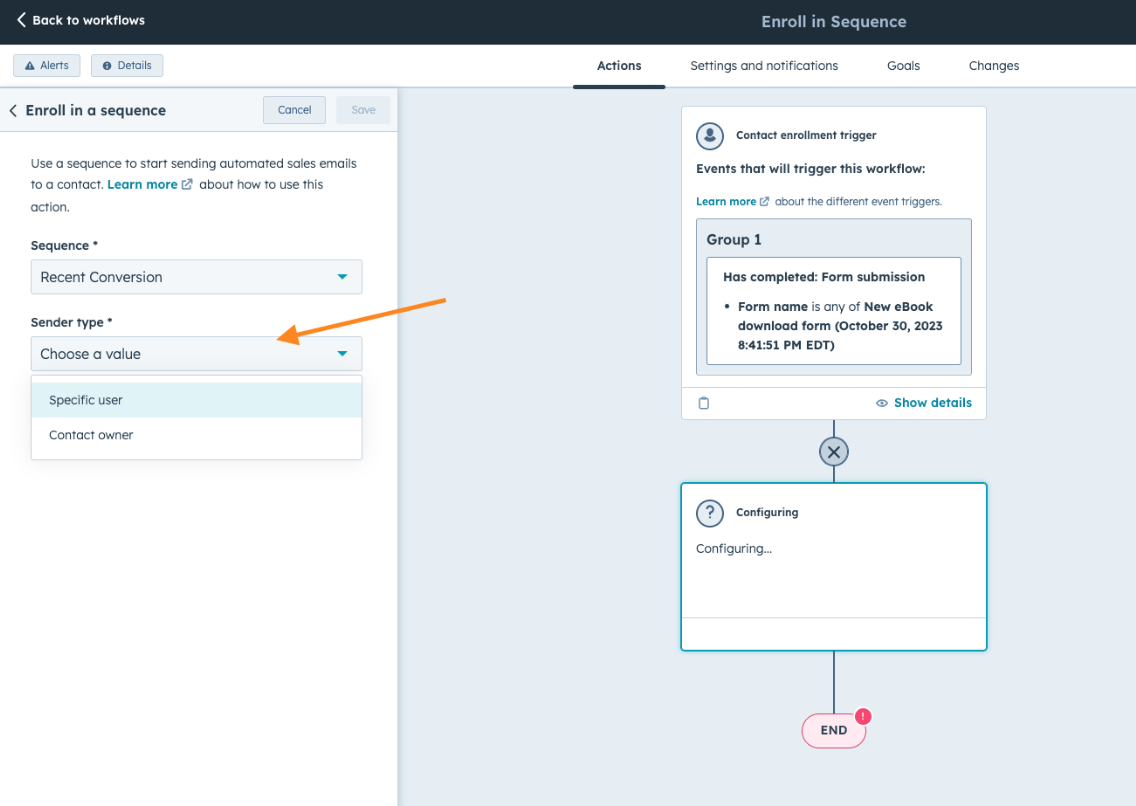
**Overview:**Automate the enrollment of contacts in email sequences based on their contact owner, streamlining the follow-up process.
Practical Application: Automatically enroll new leads in a welcome sequence when assigned to a sales rep, ensuring consistent and timely communication.
Discover how to enroll contacts in sequences using workflows
Custom Funnel Report Builder
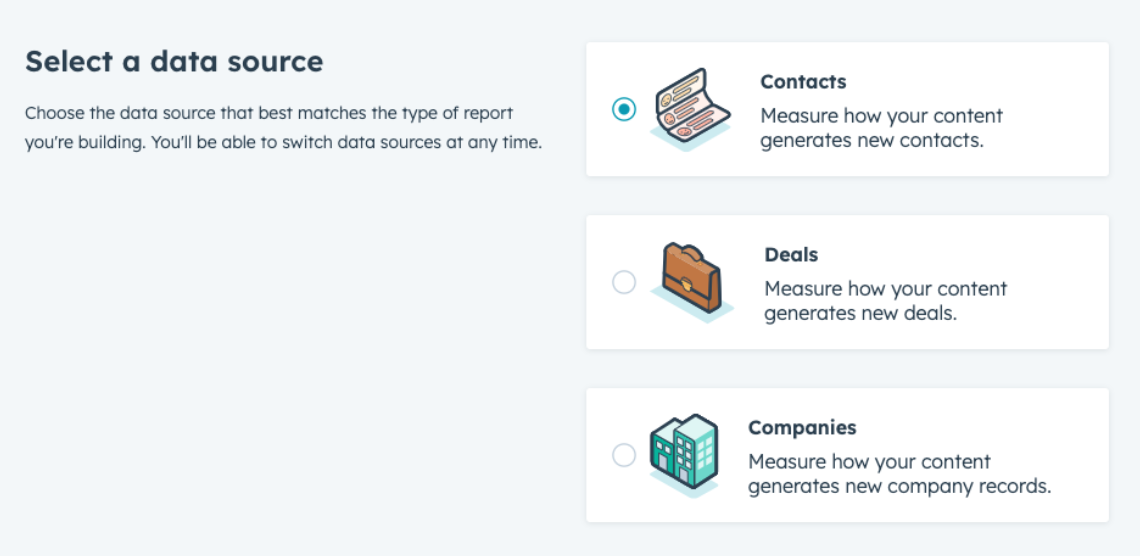
Overview: This builder includes optional stages and company lifecycle stages, offering nuanced reporting tailored to your sales process.
Practical Application: Build a custom sales funnel that includes stages like 'demo scheduled' or 'proposal sent' to accurately track and optimize your sales pipeline.
Explore the Custom Funnel Report Builder
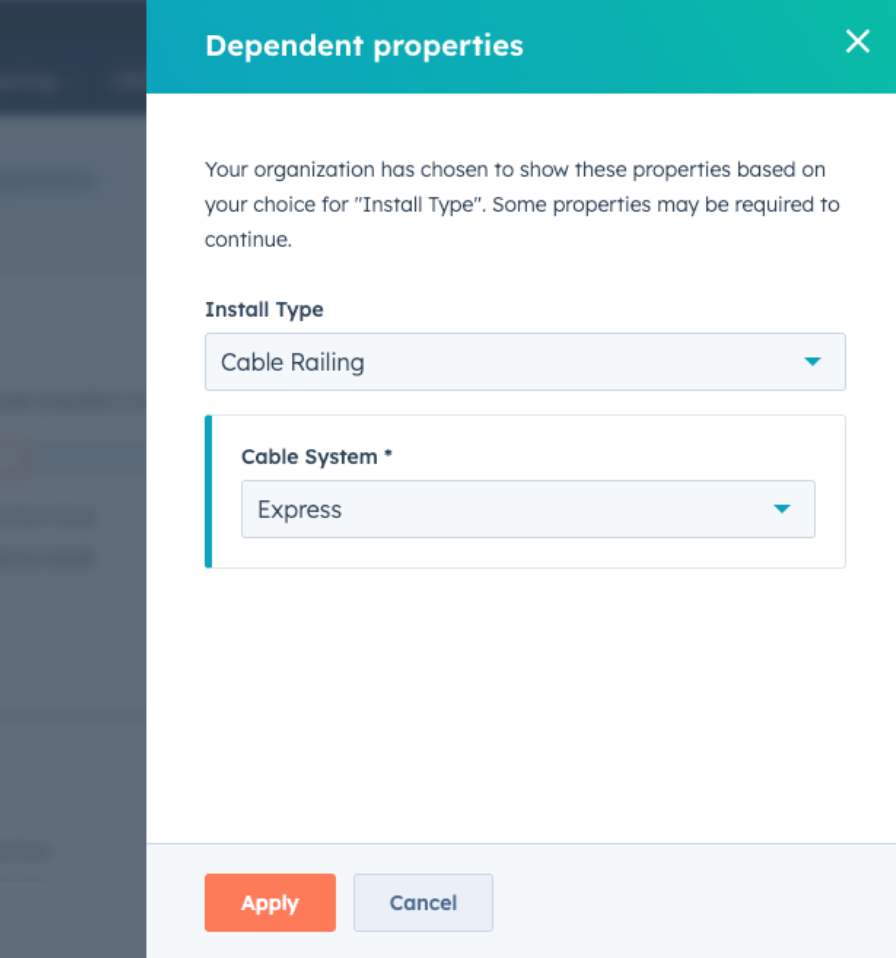
Conditional Property Options
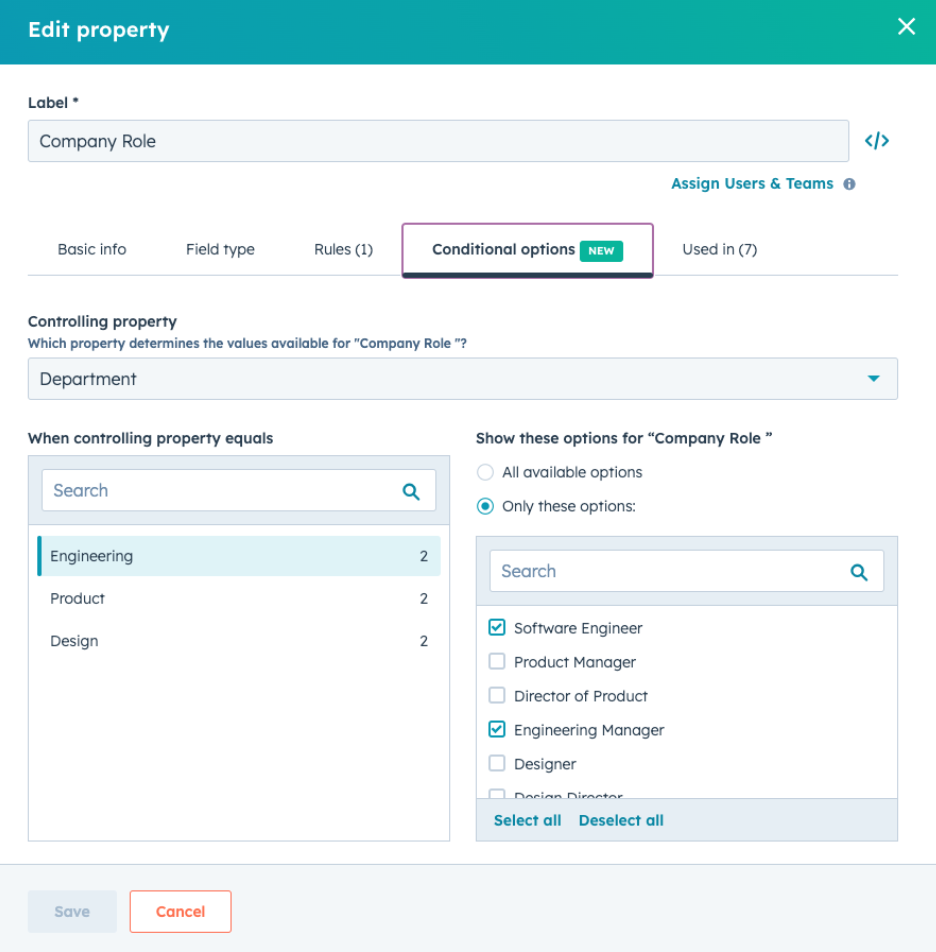
Overview: Dynamically change form fields based on user input, creating a more personalized form-filling experience.
Practical Application: On a support request form, display different fields based on the issue category selected, ensuring relevant information is captured.
Learn about Conditional Property Options
Bulk Email and Domain Import
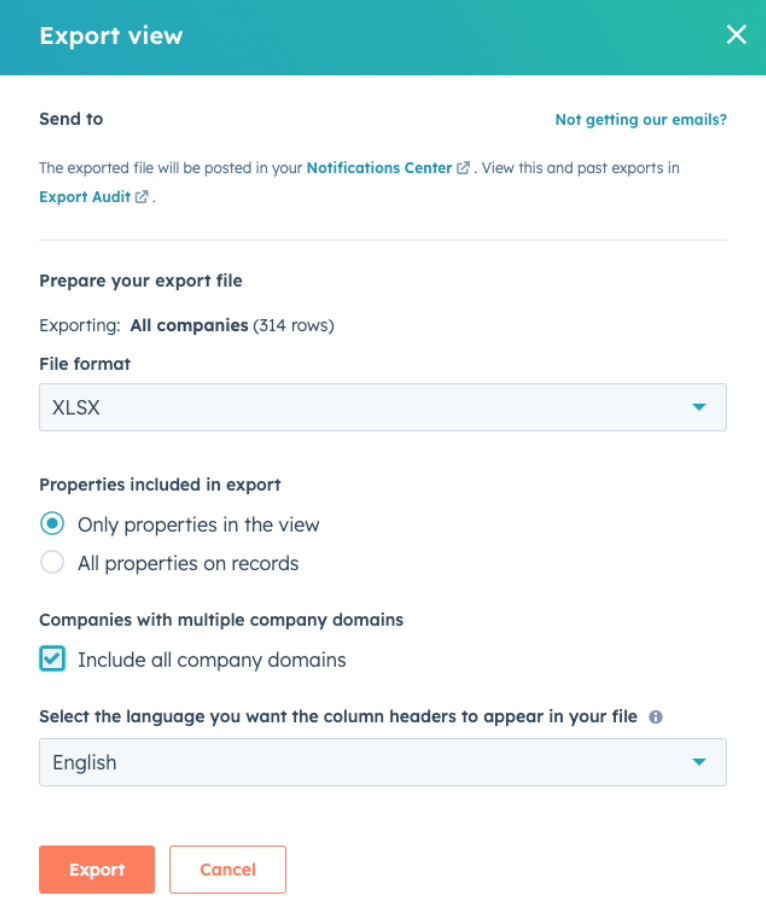
Overview: Allows for the mass addition of emails and domains, simplifying database updates and migrations.
Practical Application: Streamline the integration of a newly acquired company's email database into your existing HubSpot system.
Find out more about Bulk Email and Domain Import
Customizable Stage Tracker Cards
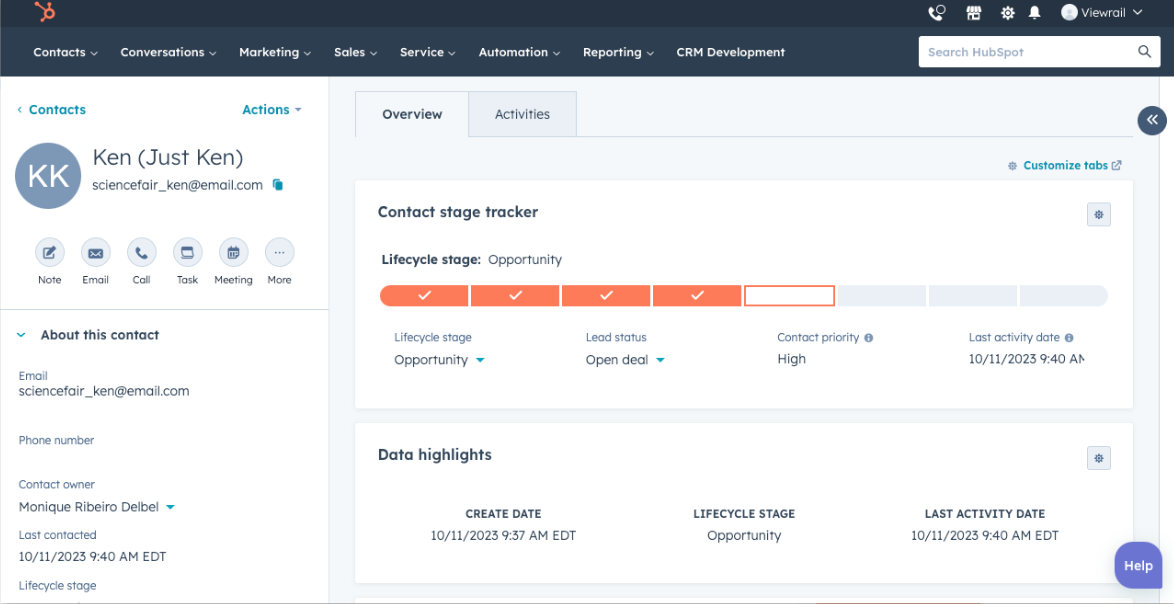
Overview: Enable customization of CRM stage tracker cards to reflect specific processes in sales, service, or marketing.
Practical Application: Tailor these cards to monitor the progress of customer service tickets through different resolution stages.
Get insights on Customizable Stage Tracker Cards
Customized Reminder Emails in Meeting Pages
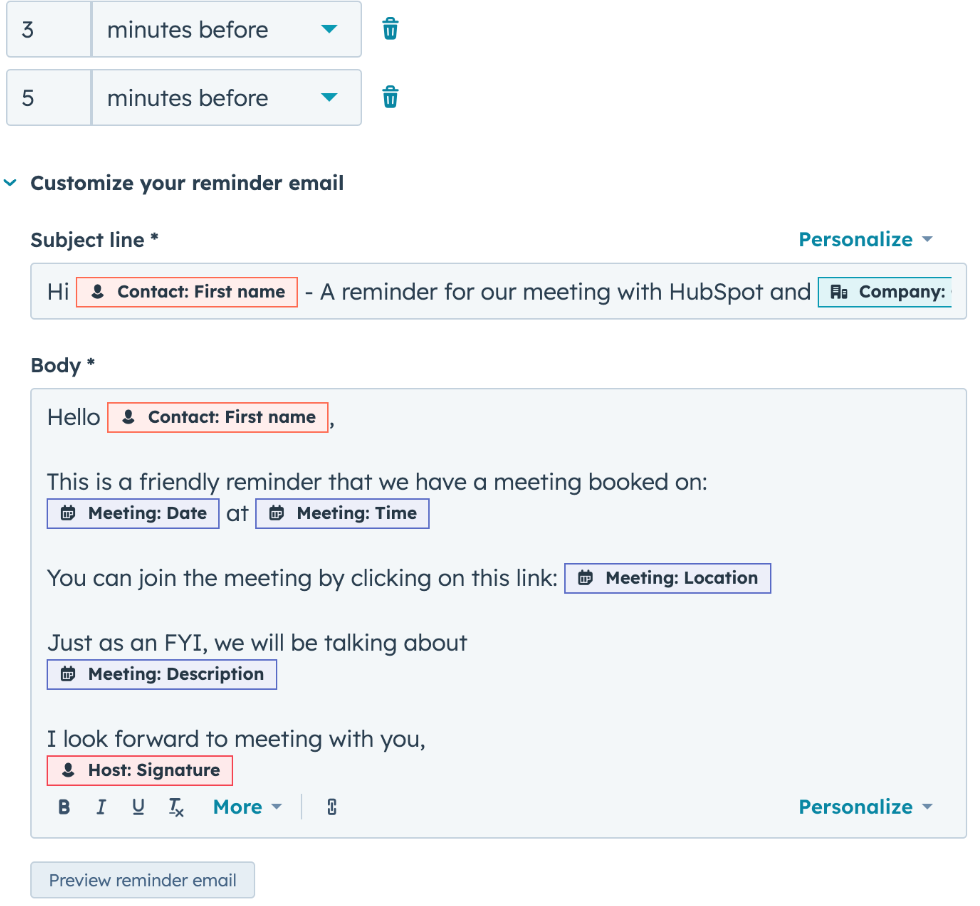
Overview: Personalize reminder emails for scheduled meetings to improve preparation and attendance.
Practical Application: Include specific objectives or preparation instructions in reminders to enhance meeting productivity.
Read about Customized Reminder Emails in Meeting Scheduling Pages
Webhook Triggers for Various Objects
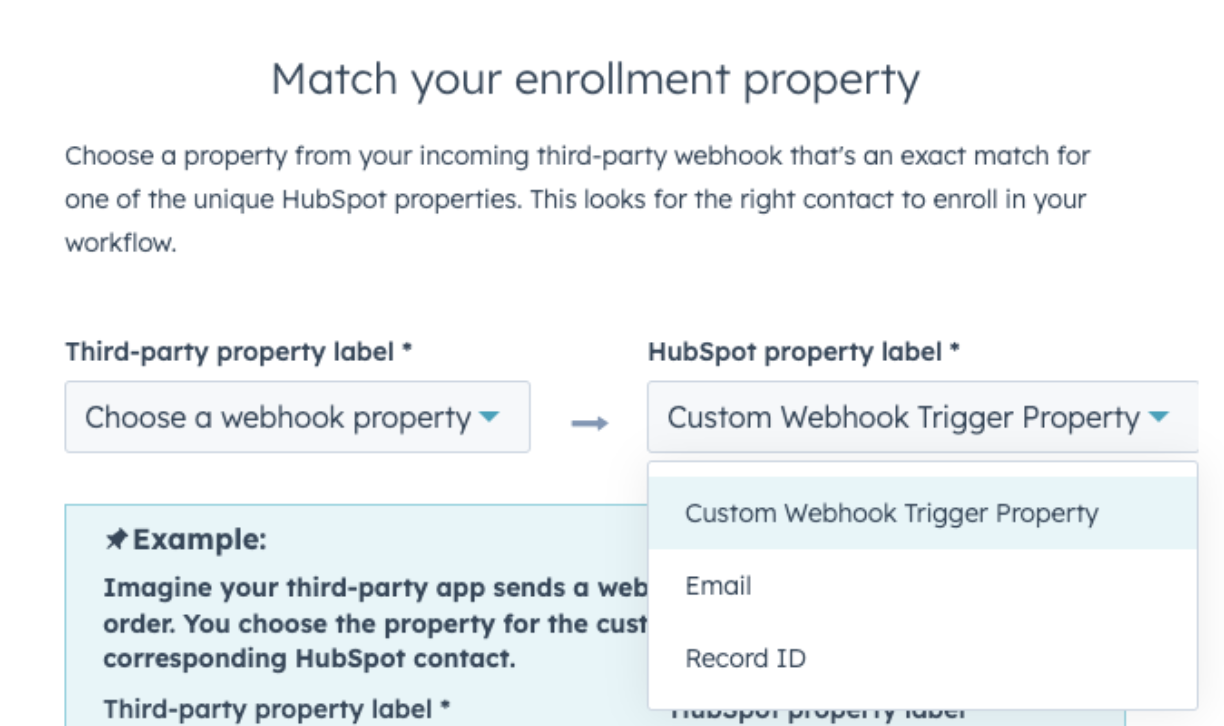
Overview: Extend webhook functionality to more CRM objects, automating interactions with external systems.
Practical Application: Trigger a custom application to update inventory levels when a new deal is closed in HubSpot.
Explore Webhook Triggers in HubSpot
Company Color Palettes in Report Builder
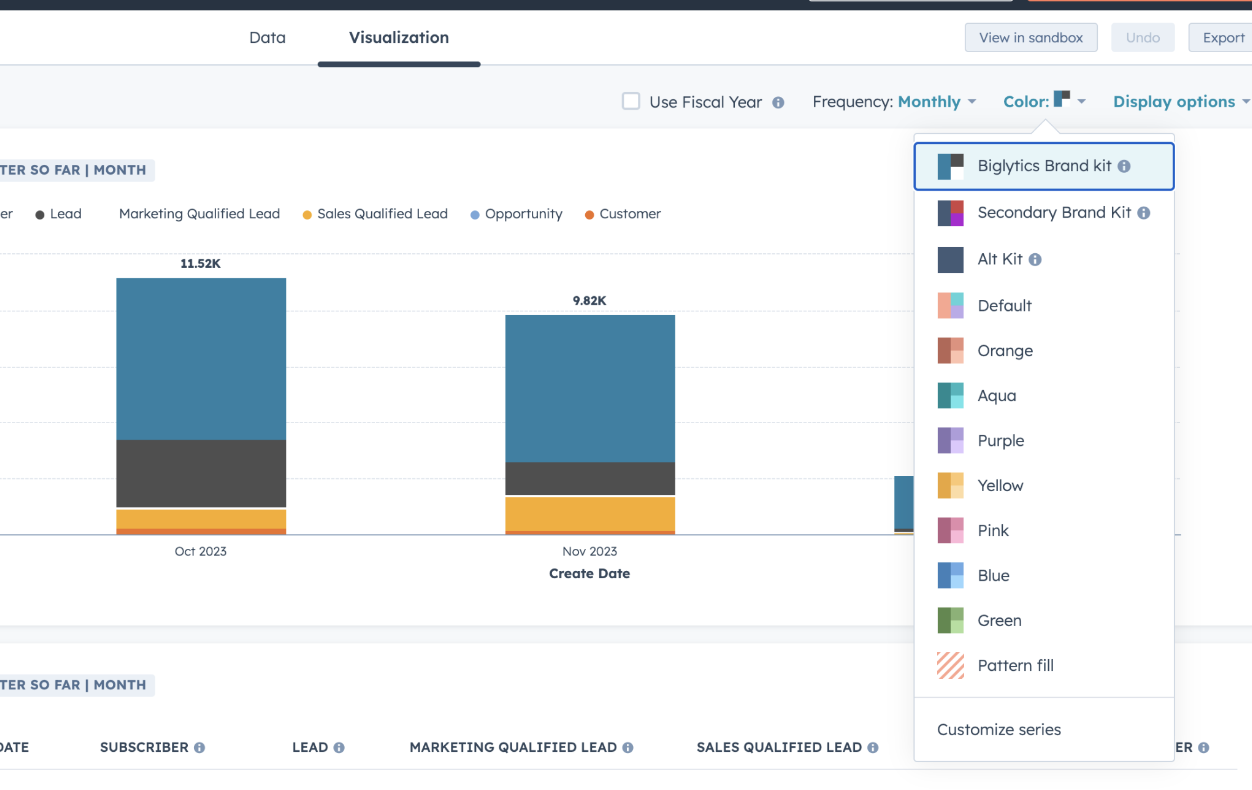
Overview: Customize reports with specific color schemes to align with your brand identity.
Practical Application: Create visually consistent reports for stakeholders that reflect your brand's aesthetic for professional presentations.
Discover how to use Company Color Palettes in Report Builder
Guest Addition in Meeting Scheduling
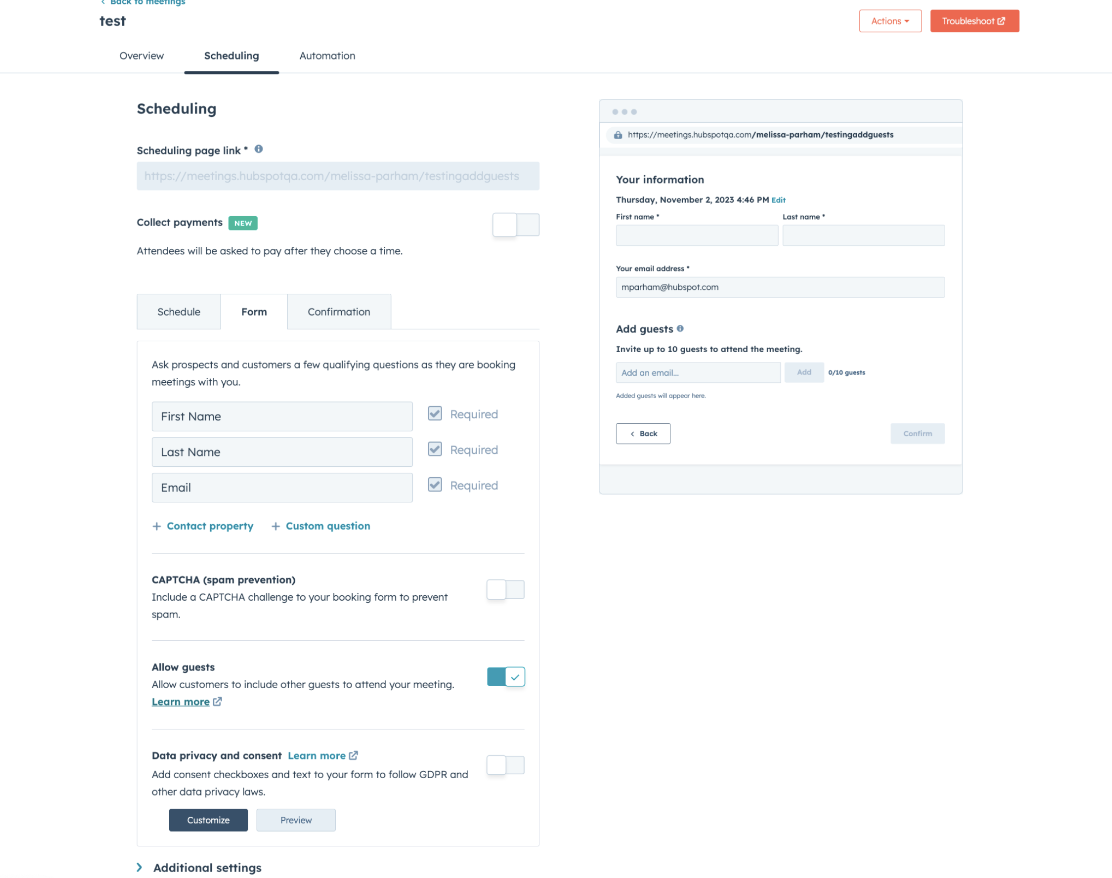
Overview: Simplify including additional participants in scheduled meetings directly from the scheduling interface.
Practical Application: Easily add consultants or team members to client meetings, enhancing collaboration and information sharing.
Learn about adding guests to meetings via Scheduling Pages
Percentage Format for Number Properties
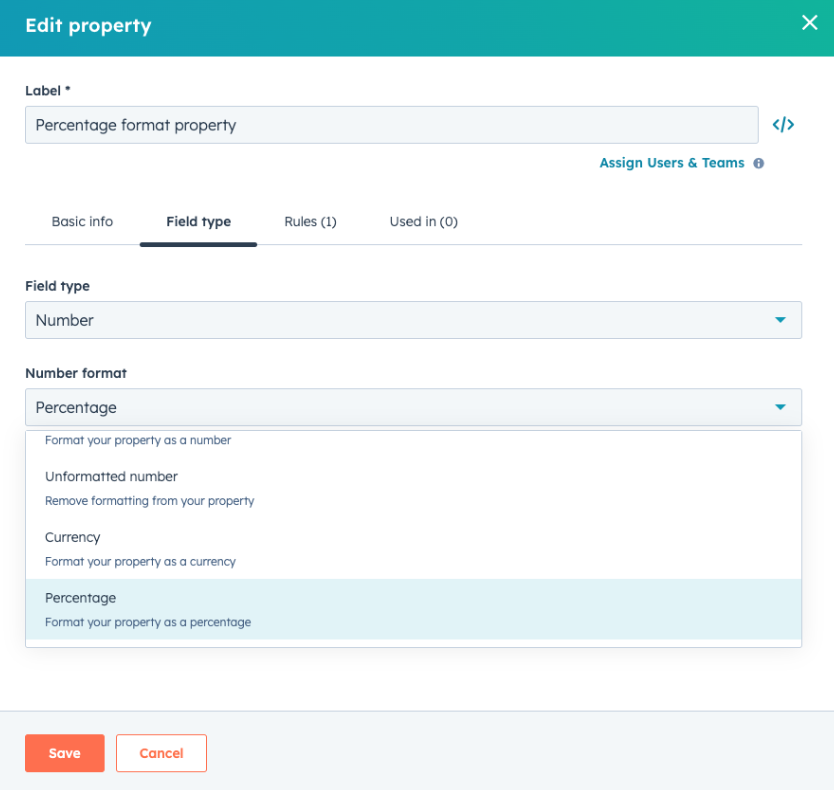
Overview: Display number properties as percentages for clearer data representation.
Practical Application: Use this feature to visually represent progress, like project completion percentages, directly in your CRM.
Find out more about Percentage Format for Number Properties
Edit and Auto-Save in Record Card
Overview: Facilitate quick edits and auto-saving in the CRM for efficient data management.
Practical Application: Update contact details on-the-fly during a call, ensuring immediate recording of accurate information.
Read about Editing and Auto-Saving in Record Middle Column Cards
Additional Integrations Sync Card
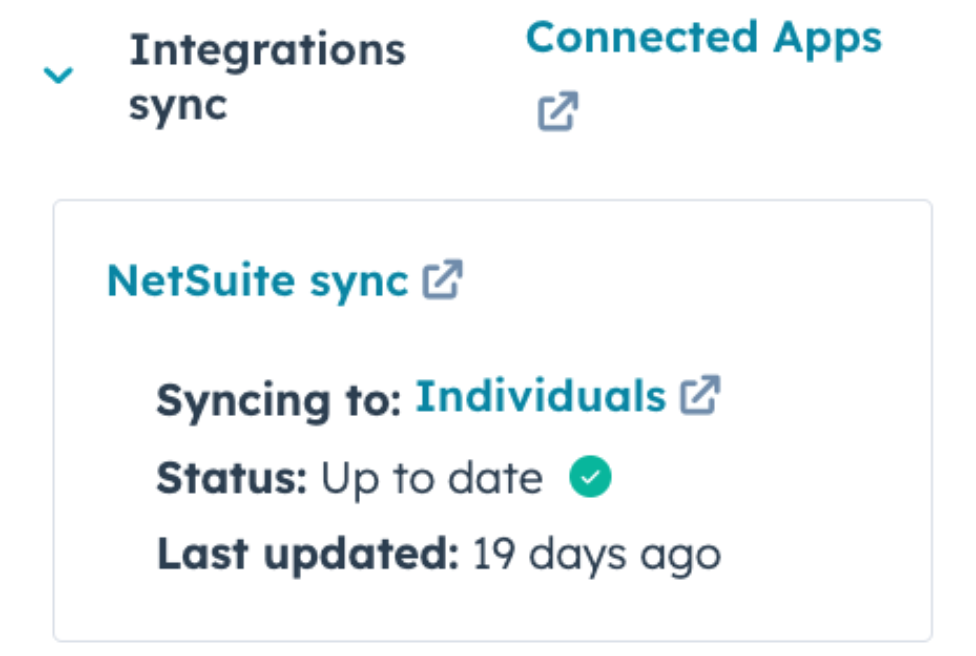
Overview: Provides a centralized view of integration statuses, ensuring efficient data synchronization.
Practical Application: Monitor and manage the health and activity of your integrations, such as email marketing tools or customer service platforms, directly from HubSpot for streamlined operations.
Explore the Additional Integrations Sync Card for Data Sync
These updates from HubSpot reflect a deep understanding of business needs, marrying functionality with user-friendliness. Each new feature presents an opportunity to enhance your business processes, elevate customer engagement, and streamline your workflows. For more in-depth exploration of these features, be sure to check out the detailed documentation and guides available on the HubSpot website.
Keep reading

Oct 13, 2026
Software in a Service: Taking Responsibility for What Happens Next
An integration fails on a Tuesday morning. Website inquiries stop reaching the CRM. Nobody notices until a customer calls to ask why no one got back to them.

Feb 03, 2026
What HubSpot Admins Should Focus on in Q1
Q1 is when HubSpot Admins lock the decisions that keep Q2 (and the rest of the year!) from turning into damage control. This is the time to decide what the system will do, who owns what, and how you’ll measure success.

Nov 07, 2025
The Simple Guide to HubSpot Agency Onboarding
You already know that HubSpot is the best tool to run your business smoothly and help it grow. You’re ready to get started with implementing best practices, but where to begin?