Can Your Logs Take You Back in Time?
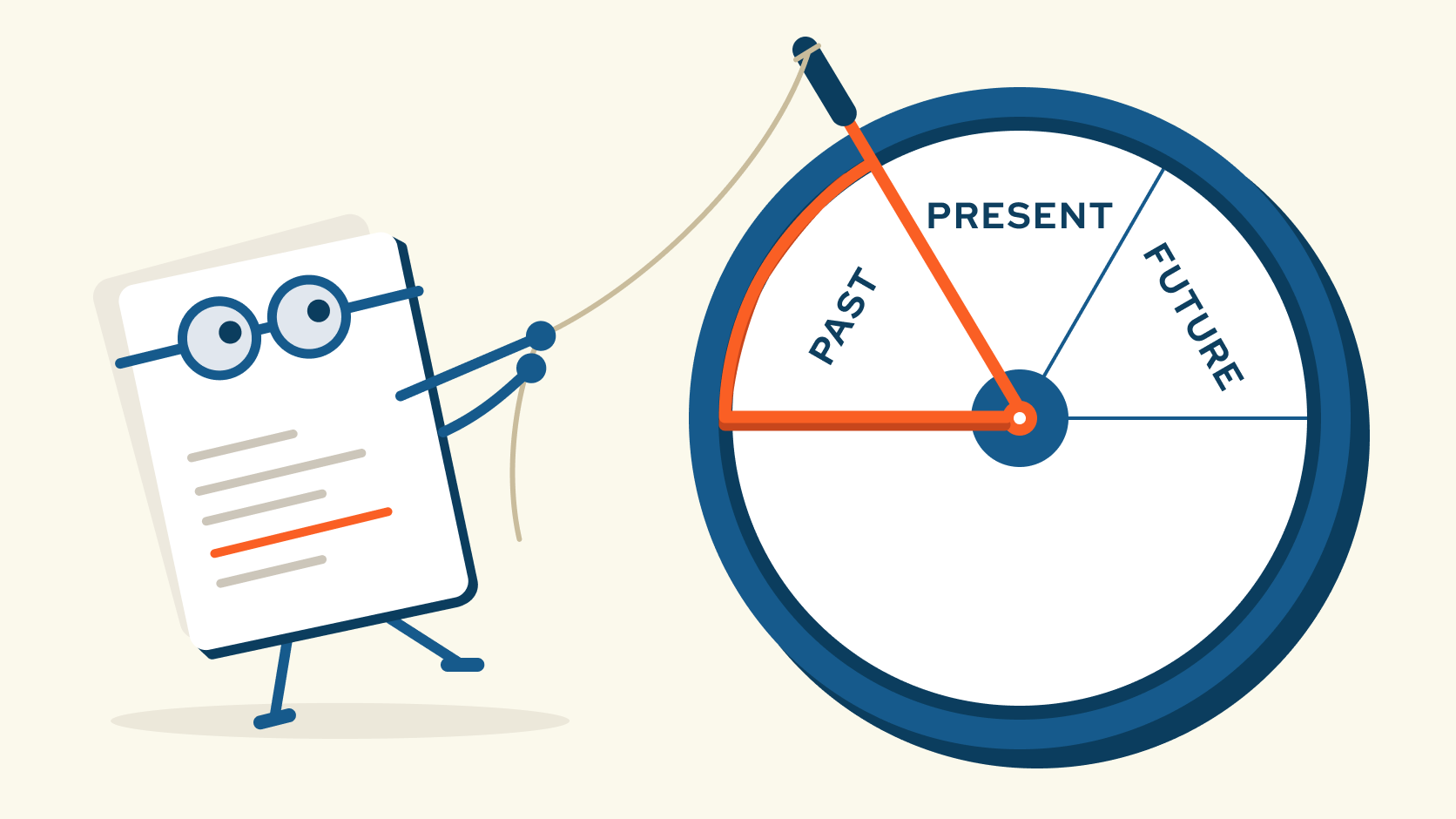
A customer’s account changed overnight. An automated process ran, and the result wasn’t what anyone expected. By 9 a.m., the CISO is in the logging suite, working backward.
She can see when the request reached the application. She can see that a service returned a successful response. Another system shows that a job ran several minutes later.
If this landed on your desk this morning, how far back could you get? Who initiated it? What authority did the application use? Did the job complete, or did it hand the work to another system that failed?
She has plenty of logs, but she doesn’t have a trail.
Now run the same exercise with no application logging at all. She can’t say who made the change or whether it was authorized. She can’t say whether it happened once or has been happening for months. She can’t tell the customer what was affected, so the safe answer becomes “possibly everything.” The investigation stops being about what happened and turns into deciding what to assume.
This is written for teams that build or commission custom software: product owners, engineering leads, and the security and operations people who will someday have to investigate what it did. If your systems are mostly off-the-shelf or SaaS, the same questions still apply. Ask your vendors. Can they show you who initiated an action, what authority it used, and where it went after it left their system? Their answer tells you how far back in time you can go when something breaks.
Logging has to be part of the application
A web server log can tell you a request reached the server. It can’t necessarily tell you what that request meant to the business, what decision the application made, or what happened after the work moved somewhere else.
The application has that context. It knows that the request was an account change, which identity initiated it, what permissions were checked, and whether the change was accepted, denied, or passed along for processing. Those are things we have to choose to record when we design the software.
And the path can’t end at the application boundary. If the work moves through a queue, an AI agent, a database, and a third-party service, the records need enough shared context to connect those steps. Otherwise, the CISO is left comparing timestamps and hoping she’s looking at the same transaction.
A record worth investigating
Connecting events is only part of the job. The records also need protection from unauthorized changes, appropriate access controls, and retention long enough to support the investigations they’re meant to serve. When information is missing, the people investigating should be able to see the gap instead of assuming the story is complete.
That doesn’t mean recording every detail. Logs can become a second store of sensitive information if we aren’t deliberate about what goes into them. The goal is to preserve the evidence needed to understand an action without copying every password, token, or customer record along the way.
I’d start with a workflow where the answer matters. Ask the people responsible for it what they would need to reconstruct if an issue arose, then follow that work across the systems involved. Can they see who initiated it, what happened at each step, and where the trail stops?
For that workflow, can you answer these questions?
- Who initiated and owns the action?
- What happened at each step?
- When did it happen?
- Where did the work and its data go?
- Why did the system take that action, and under whose authority?
- How did the outcome come to be?
The time to find out is before your CISO needs to go back and look.
Keep reading
You Vibe Coded It. Who Keeps It Working?
Let's say you've used an AI coding tool to build a customer portal. It looks good. Customers can log in, find what they need, and get something done without calling your office.
Autonomous to Do What?
Let's take a really common thing leaders say: "Take care of this customer." You already understand that it comes with limits.
Software in a Service: Taking Responsibility for What Happens Next
An integration fails on a Tuesday morning. Website inquiries stop reaching the CRM. Nobody notices until a customer calls to ask why no one got back to them.